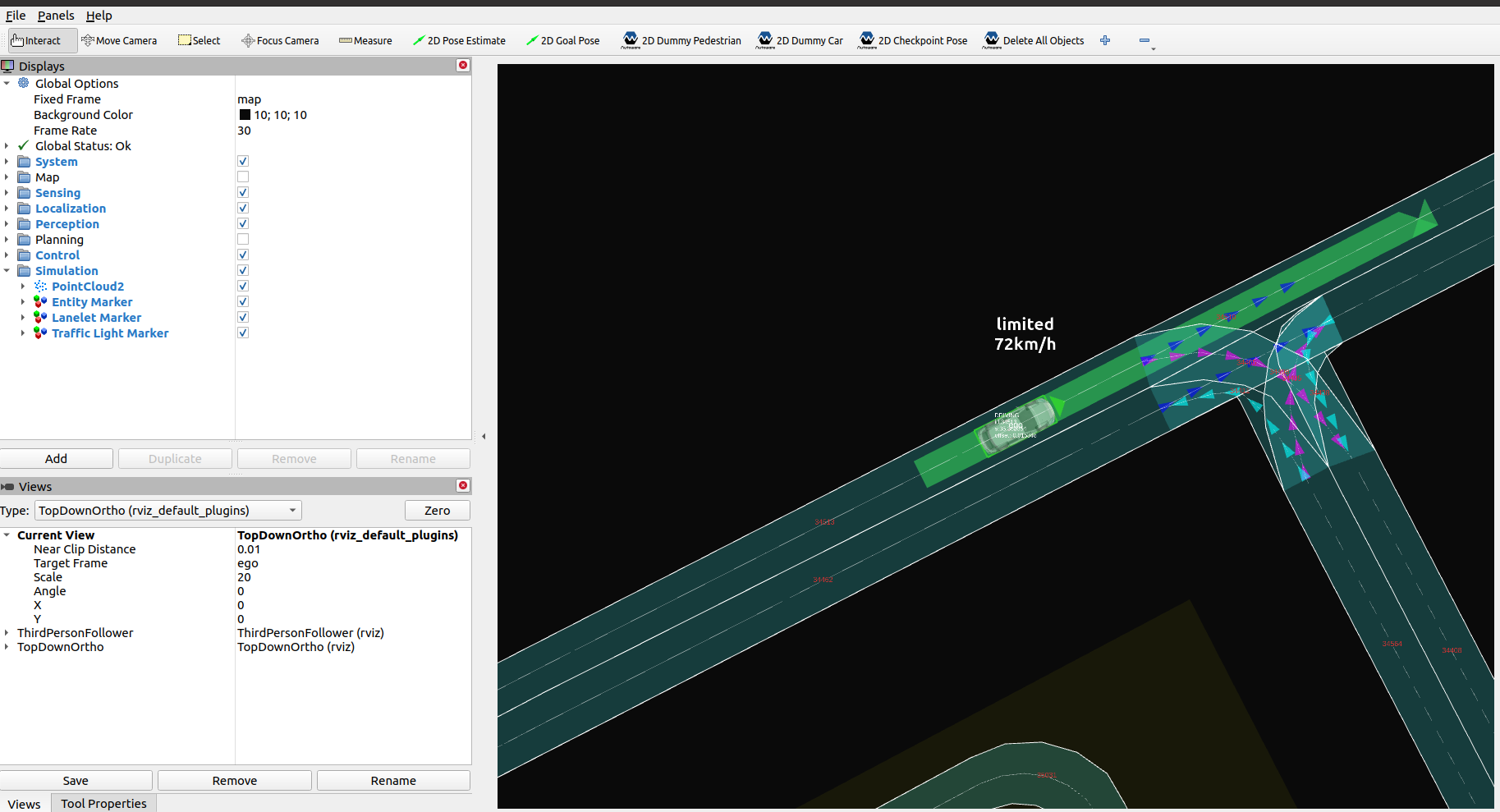
Scenario test simulation#
Note
Running the Scenario Simulator requires some additional steps on top of building and installing Autoware, so make sure that Scenario Simulator installation has been completed first before proceeding.
Running steps#
-
Move to the workspace directory where Autoware and the Scenario Simulator have been built.
-
Source the workspace setup script:
bash source install/setup.bash -
Run the simulation:
bash
 ros2 launch scenario_test_runner scenario_test_runner.launch.py \
   architecture_type:=awf/universe \
   record:=false \
   scenario:='$(find-pkg-share scenario_test_runner)/scenario/sample.yaml' \
   sensor_model:=sample_sensor_kit \
   vehicle_model:=sample_vehicle