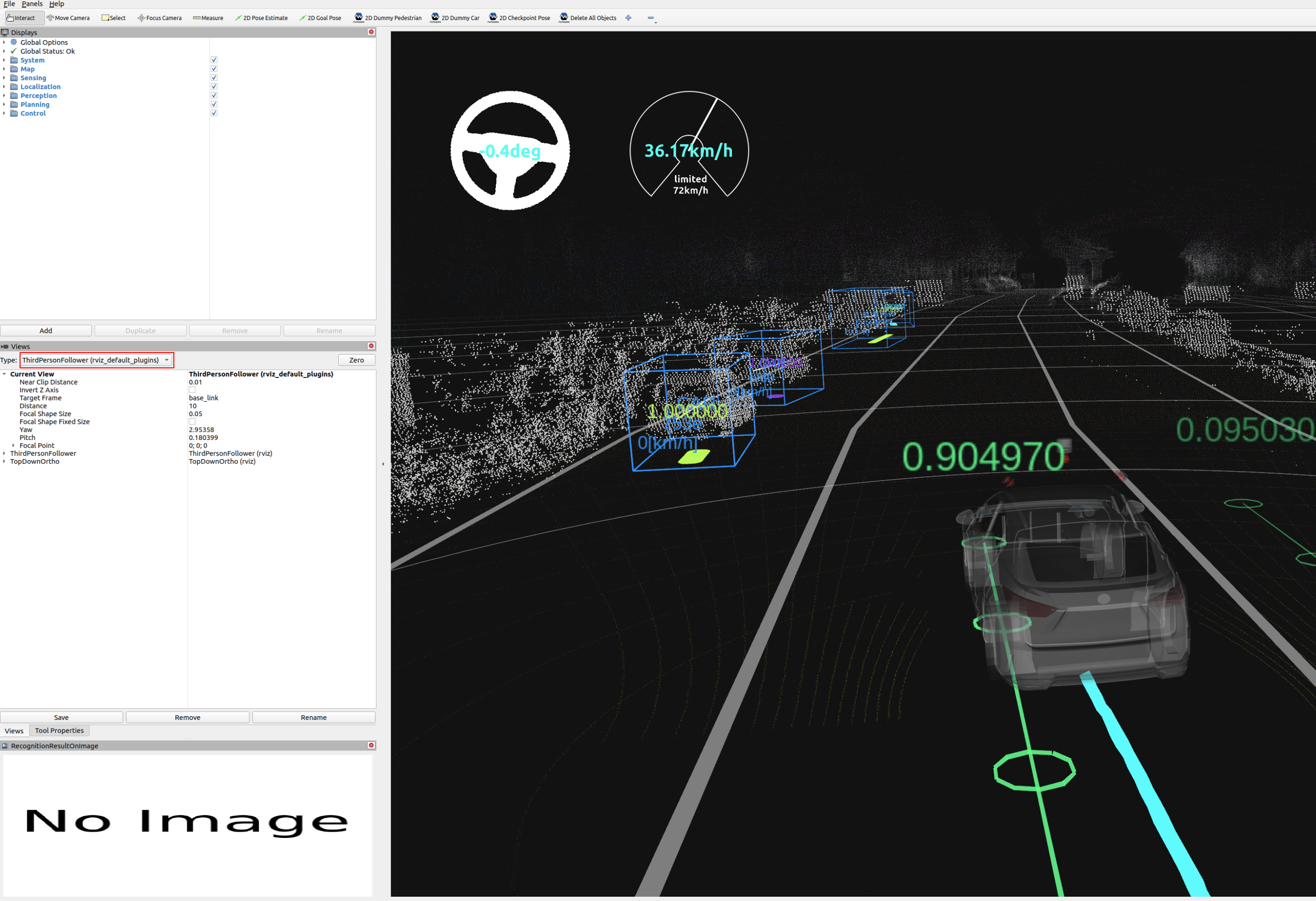
Rosbag replay simulation#
Steps#
-
Download and unpack a sample map.
- You can also download the map manually.
bash gdown -O ~/autoware_map/ 'https://docs.google.com/uc?export=download&id=1A-8BvYRX3DhSzkAnOcGWFw5T30xTlwZI' unzip -d ~/autoware_map/ ~/autoware_map/sample-map-rosbag.zip -
Download the sample rosbag files.
- You can also download the rosbag files manually.
bash
 gdown -O ~/autoware_map/ 'https://docs.google.com/uc?export=download&id=1VnwJx9tI3kI_cTLzP61ktuAJ1ChgygpG'
 unzip -d ~/autoware_map/ ~/autoware_map/sample-rosbag.zip
Note#
- Sample map and rosbag: Copyright 2020 TIER IV, Inc.
- Due to privacy concerns, the rosbag does not contain image data, which will cause:
- Traffic light recognition functionality cannot be tested with this sample rosbag.
- Object detection accuracy is decreased.
How to run a rosbag replay simulation#
-
Launch Autoware.
sh
 source ~/autoware/install/setup.bash
 ros2 launch autoware_launch logging_simulator.launch.xml map_path:=$HOME/autoware_map/sample-map-rosbag vehicle_model:=sample_vehicle sensor_model:=sample_sensor_kit
Note that you cannot use
~instead of$HOMEhere.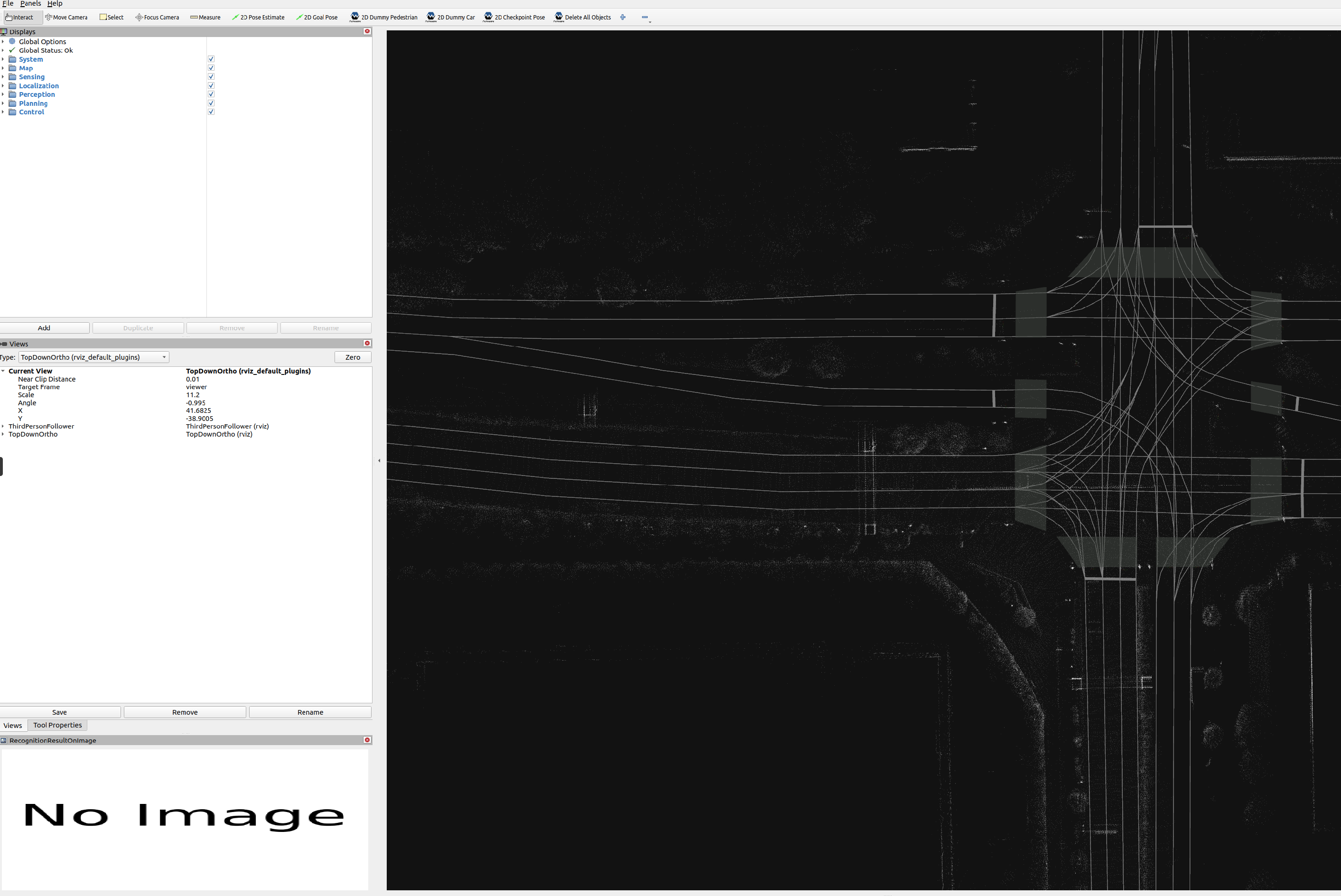
-
Play the sample rosbag file.
sh
 source ~/autoware/install/setup.bash
 ros2 bag play ~/autoware_map/sample-rosbag/sample.db3 -r 0.2 -s sqlite3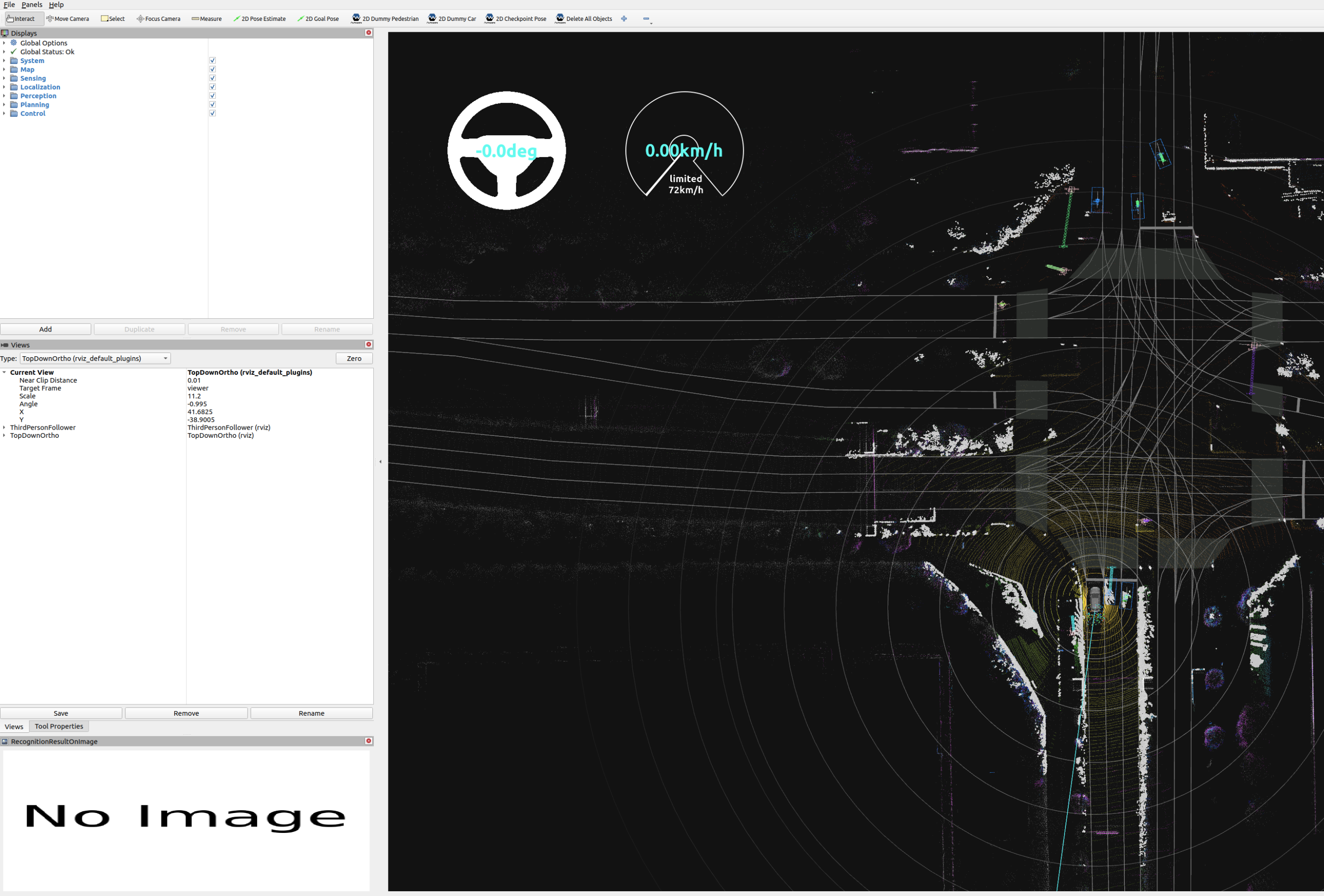
-
To focus the view on the ego vehicle, change the
Target Framein the RViz Views panel fromviewertobase_link.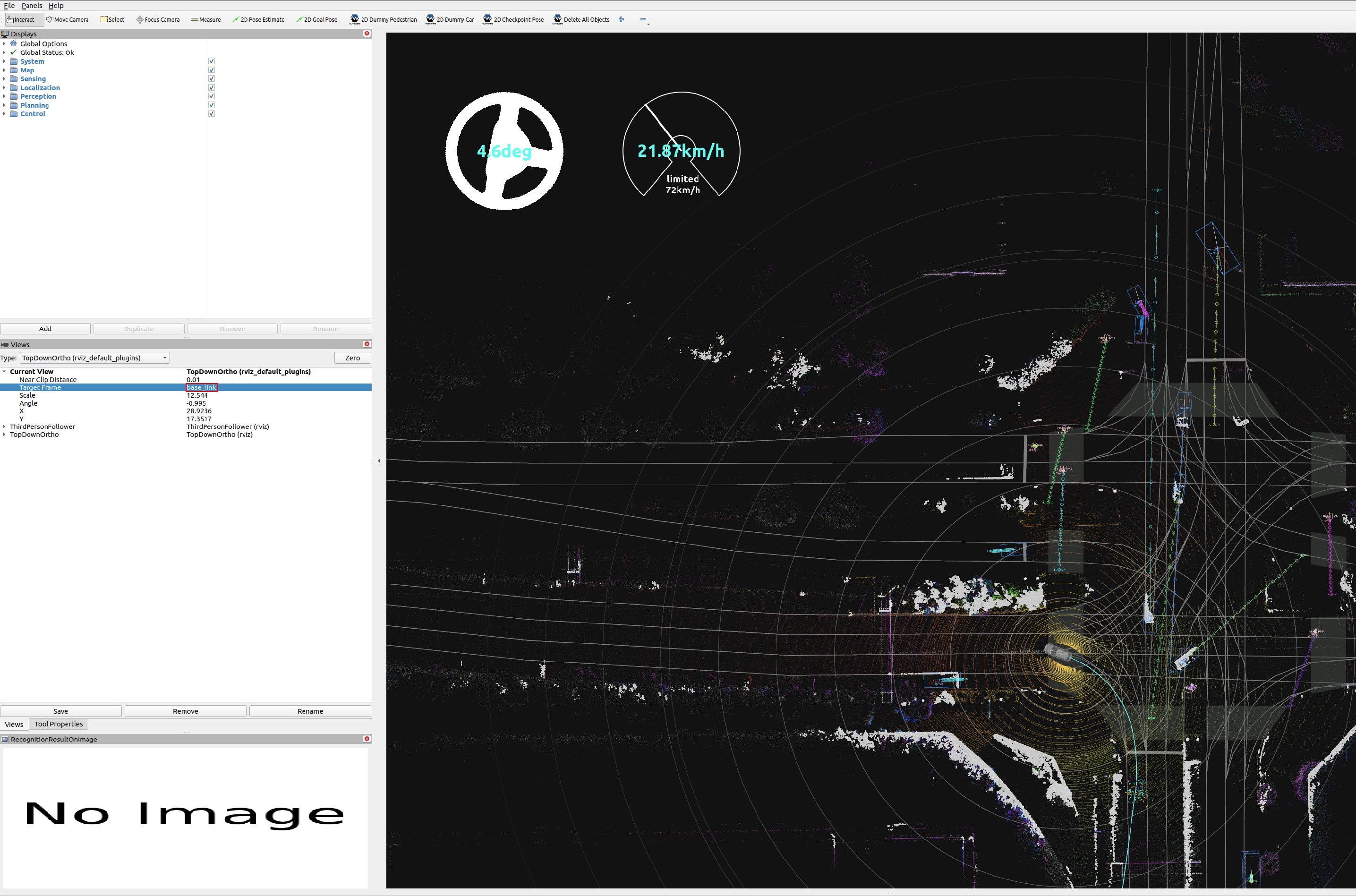
-
To switch the view to
Third Person Followeretc, change theTypein the RViz Views panel.